Navigation is the backbone of any website - it's what guides your visitors through your content and helps them find what they're looking for. While Sitefinity's out-of-the-box navigation widget works great for basic scenarios, sometimes you need more control over the markup or want to add custom fields like a logo image to make your navigation truly shine.
Recently, a viewer on our YouTube channel asked exactly this question: "How can I extend the default navigation widget to add a custom view with full markup control and include an image field in the widget designer?" It's such a common need that we decided to turn our response into a comprehensive guide that could help the broader Sitefinity community.
In this article, we'll walk through the process step-by-step, showing you how to:
- Create an extended navigation entity with a custom logo field
- Create a custom navigation view that uses the extended entity
- Register both the custom view and extended entity
Let's dive in!
Step 1: Creating the Extended Navigation Entity
First, we need to extend the default navigation entity to include our custom logo field. This will add a new image selector to the widget designer, allowing content editors to easily add and manage navigation logos.
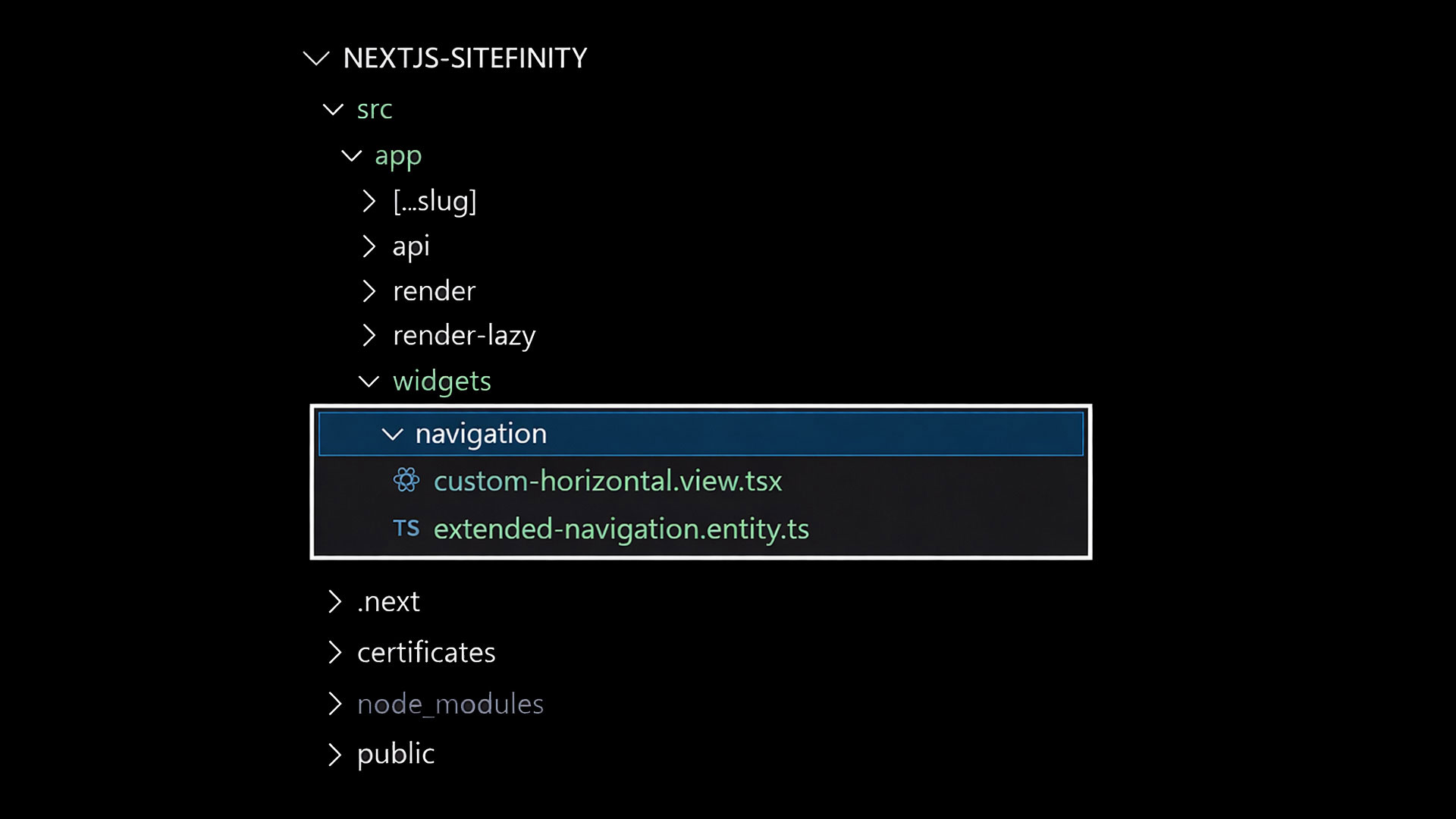
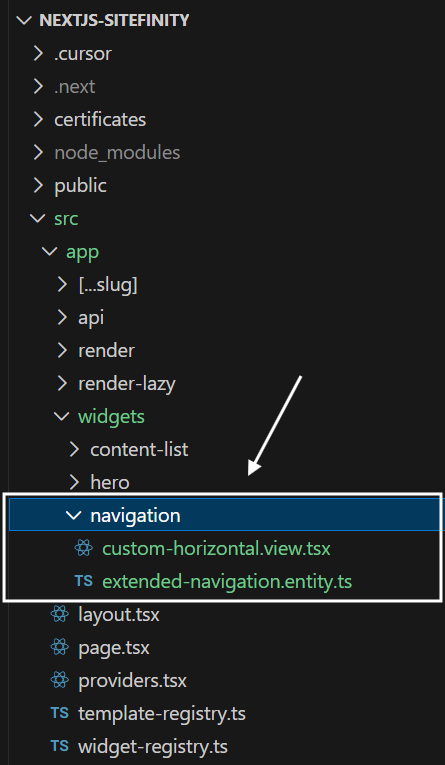
Create a file called extended-navigation.entity.ts:
Let's break down what's happening here:
- Inheritance: We extend
NavigationEntity to get all the default navigation properties (like navigation selection, CSS classes, template selection, etc.) - Logo property: We add a new
Logo property that can hold image content - Content decorator: The
@Content decorator tells Sitefinity to create an image selector in the widget designer - Image constraints:
AllowMultipleItemsSelection: false restricts selection to a single logo image - Type safety: Using
MixedContentContext ensures proper TypeScript support for content selection
This extended entity gives content editors all the familiar navigation configuration options, plus the new logo field that will appear in the widget designer.
Step 2: Creating the Custom Navigation View
Now let's create a custom navigation view that uses our extended entity and displays the logo alongside the navigation items. But first, let's understand how the default navigation works.
Finding the Default Navigation Markup
Before creating your custom view, it's helpful to understand how the default navigation widget works. The Sitefinity team has made the entire Next.js SDK available on GitHub, which means you can reference the default implementations as a starting point.
The default navigation widget views are located in the nextjs-sdk/widgets/navigation directory. For this tutorial, we'll use the horizontal.tsx view as our reference since it's the most commonly used navigation layout.
Looking at the default horizontal view gives you insights into:
- How navigation items are structured and rendered
- What props and utilities are available
- How active states and CSS classes are handled
- The recommended patterns for accessibility and SEO
This is incredibly valuable when you want to maintain similar functionality while customizing the markup to fit your specific design requirements.
Creating Your Custom View
Now, let's create our custom navigation view that incorporates the logo functionality. Create a new file called custom-navigation.view.tsx:
Key features of this custom view:
- Generic typing: We specify
NavigationViewProps<ExtendedNavigationEntity> to get proper TypeScript support for our extended entity - Logo fetching: We extract the logo ID and source, then fetch the full image details using
RestClient.getItemWithFallback - Thumbnail selection: We filter for 'sm' thumbnails to get an appropriately sized logo image
- Fallback handling: The code gracefully handles cases where no logo is selected
- Complete markup control: You can structure your HTML exactly as needed
- Custom CSS classes: Add your own styling hooks without being constrained by default classes
- Nested navigation support: The recursive
renderNavigationItems function handles multi-level navigation - Accessibility features: Proper use of nav elements, alt text, and title attributes
- Active state handling: Uses Sitefinity's built-in
IsCurrentlyOpened property to highlight current pages
Step 3: Registering the Custom View and Extended Entity
Finally, we need to register both our custom view and extended entity so they're available in the Sitefinity page editor. In your widget-registry.ts file, add the following:
This registration does two important things:
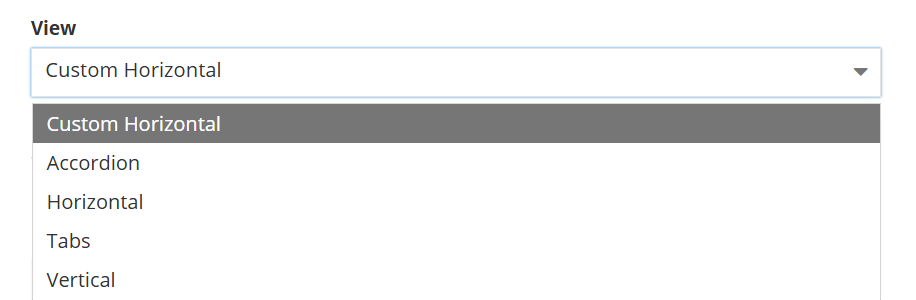
- Adds the custom view: The custom view will appear as "Custom Horizontal" in the template dropdown when editing navigation widgets
- Replaces the entity: All navigation widgets (including default views) will now have access to the Logo field in the widget designer
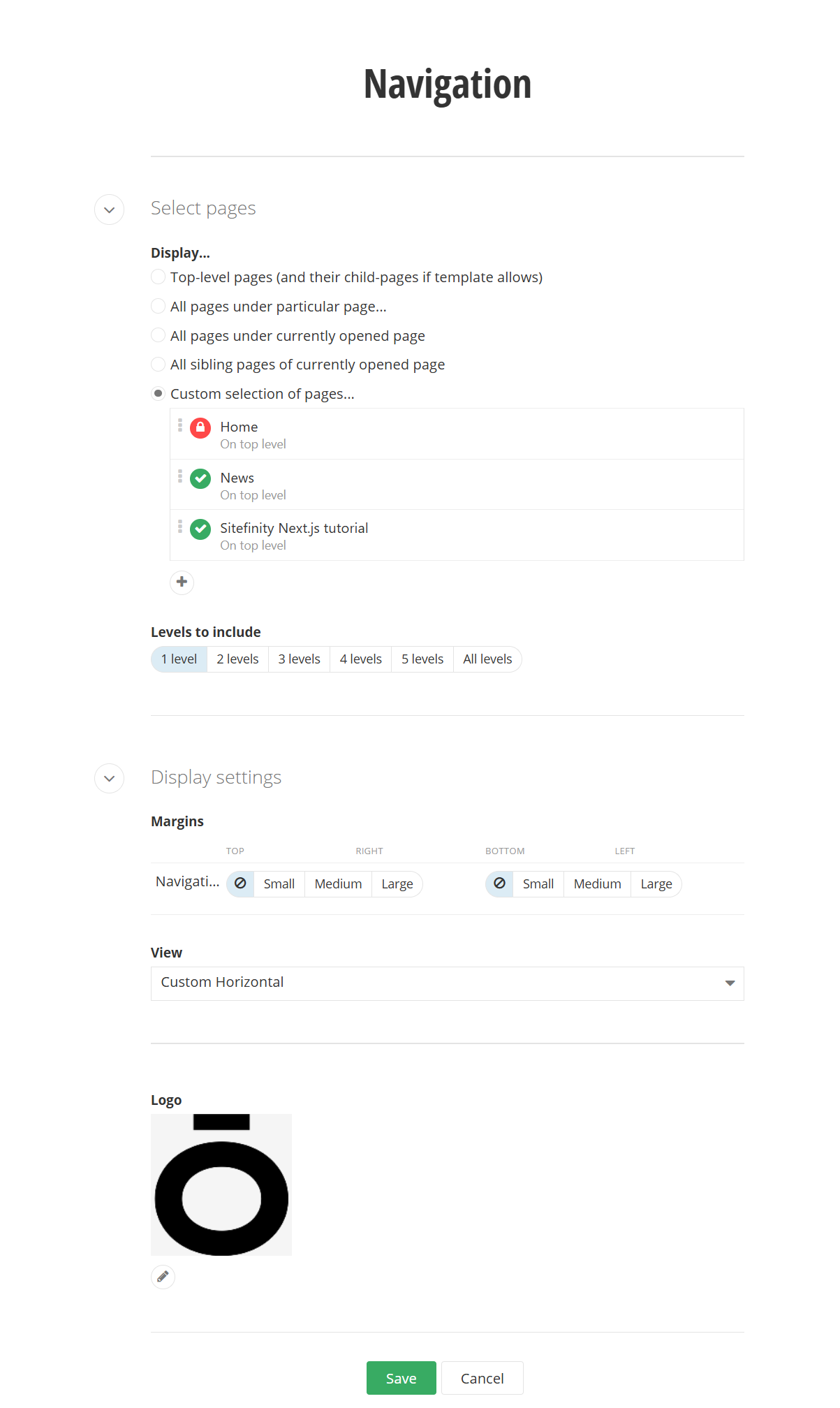
Now when you edit any navigation widget in the Sitefinity page editor, you'll see:
- The new Logo field in the widget designer
- "Custom Horizontal" as a template option
- Full flexibility to choose between default and custom views
What We've Accomplished
Congratulations! We've successfully extended the Sitefinity Next.js navigation widget with:
- Extended entity with logo support - Content editors can easily add and manage navigation logos
- Custom view with full markup control - No more being constrained by default HTML structure
- Seamless integration - The custom view and logo field work together perfectly
- Type safety - Full TypeScript support for your extended entity
- Accessibility - Proper semantic HTML and ARIA attributes
- Responsive design - Ready for mobile-first implementations
This approach gives you the best of both worlds: the power of custom development combined with the ease of use that content editors expect. Since we replaced the default entity with our extended version, even the default navigation views will now have access to the Logo field, giving content editors maximum flexibility.
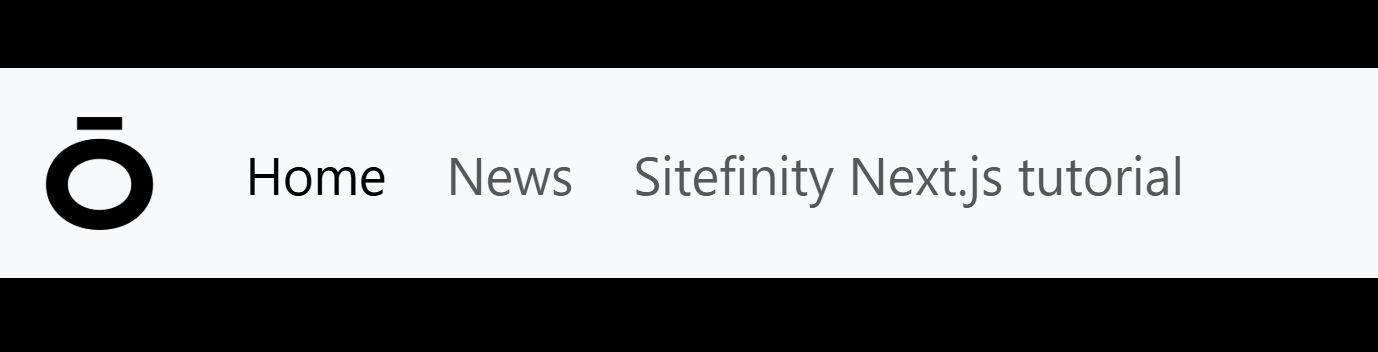
This is just the beginning! You could extend this further.
The beauty of Sitefinity's Next.js SDK is that it gives you the power to create exactly the navigation experience your project needs, while still maintaining the ease of use that content editors expect.
Have questions about extending other Sitefinity widgets? Reach out - we love helping the Sitefinity community build amazing digital experiences!
getting things done, sitefinity